VOTE FOR A FUTURE CATEGORY
Plants & Trees
Flowers, ferns, cacti and towering trees.
WORLD AGAINST WORLD · FIVE ROUNDS A DAY · 90 CELESTIAL BODIES
Turn your phone upright
The board needs the height.
Slide left or right anywhere on the board to resize the white silhouette. Arrow keys resize it a step at a time, Enter locks in your guess.
Slide anywhere on the board to resize · then Lock inSlide anywhere on the board to resize
0out of 1,000
Pick the category you’d most like to play. Votes help us choose what to build next; nothing here is playable yet.
Flowers, ferns, cacti and towering trees.
Flutes, guitars, drums and grand pianos.
Bacteria, cells, pollen and tiny organisms — explore sizes under a microscope.
Loading your vote…
Have another theme in mind?
Want something new on the table?
01 / A whole world on your ruler
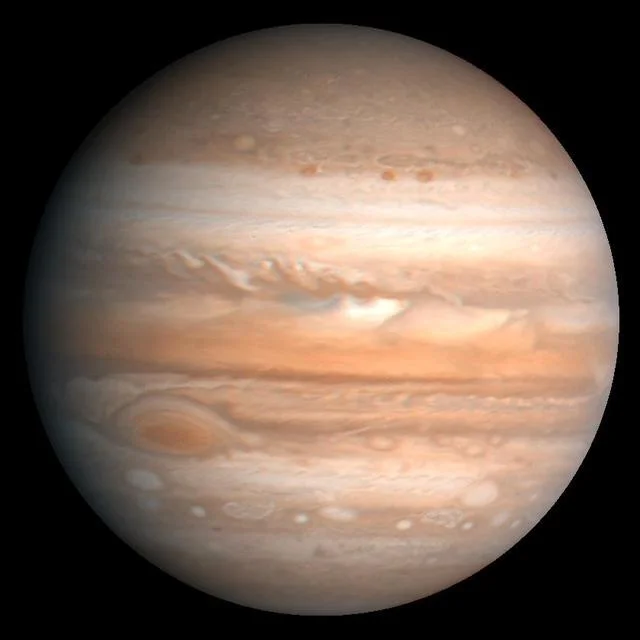
You can recognise Jupiter in a photograph. But how wide should it look beside another world? Size It Up Space turns familiar names into a test of proportion: resize one celestial body against another, lock in your guess, then see the real relationship.
Size It Up Space explores the eight solar-system planets, moons, dwarf planets, stars and exoplanets. Compact stars such as TRAPPIST-1 bridge the gap between Jupiter and larger stars. Planets orbiting other stars add Earth-sized worlds, sub-Neptunes and hot giants. Every round compares body diameter, without rockets or animals as everyday references.
Play today’s five above, then use this field guide to build a few reliable anchors. Size It Up Space Unlimited keeps the same collection and supplies fresh pairs when you want another round.
02 / Read · resize · reveal
The black disk is your reference. The white disk is your guess. Size It Up Space scores the ratio between your chosen diameter and the recorded one; five rounds, from easy to hard, can earn 1,000 points.
Check which world is the reference and read its ruler. A moon’s label also names the body it orbits. The reference keeps its real size.
Estimate half, one, two or more reference diameters. Use the resizing controls to adjust the white disk. Moving it or changing the view does not change the measured dimension.
Lock in to see the true outline against your guess. Size It Up Space shows the direction and size of your error, giving you a better anchor for the next comparison.
03 / Across, through the centre
Diameter runs from one side of a body to the other, through its centre. Radius stops at the centre, so diameter is twice radius. Size It Up Space consistently asks for the full width, not the distance from the centre to one edge.
Most worlds are not perfect spheres. Size It Up Space uses twice the published mean radius for solar-system planets and moons: the radius of a sphere with the same volume. The Sun uses a nominal photospheric diameter; other stars and exoplanets use labelled radius estimates. Each disk is a scale diagram, not an exact map of the limb.
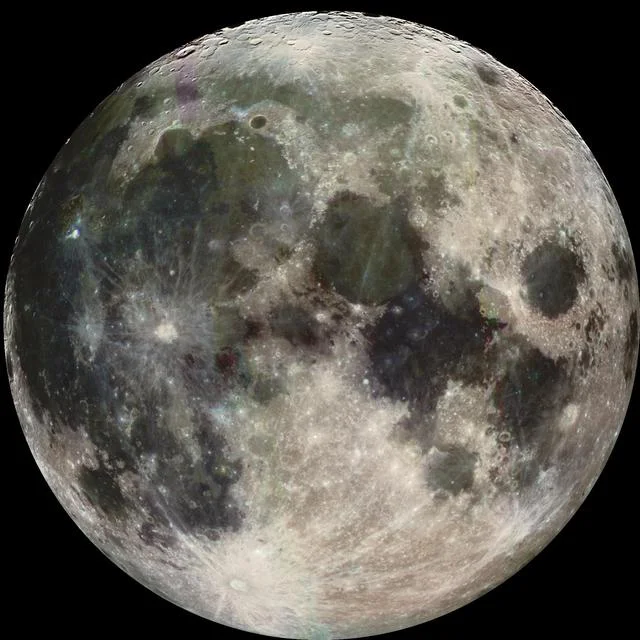
A crescent Moon has the same body diameter as a full Moon. Illumination changes the visible bright area, not the size you should estimate in Size It Up Space.
ONE FULL WIDTH
Diameter = 2 × radius
Edge → centre → opposite edge
04 / Three relationships to remember
These fixed examples use the same records as Size It Up Space. Within each panel, both disks share one linear scale. Each panel has its own scale; the diagrams compare diameters, not orbital positions.
Use the relationship as your anchor. Size It Up Space becomes easier when “a little wider” or “about a quarter as wide” means something you can picture. These are general comparisons, independent of today’s puzzle.
COMPARISON / 01
About four Moon diameters span Earth. Compare the full disks, not the bright part of a lunar phase.
3.67×Earth’s diameter
compared with Moon
COMPARISON / 02
Ganymede edges past Mercury in diameter. The word “moon” describes what it orbits, not how small it must be.
1.08×Ganymede’s diameter
compared with Mercury
COMPARISON / 03
Their colours look different in photographs, but their mean diameters differ by only about three percent.
1.03×Uranus’s diameter
compared with Neptune
05 / Saturn without the extra width
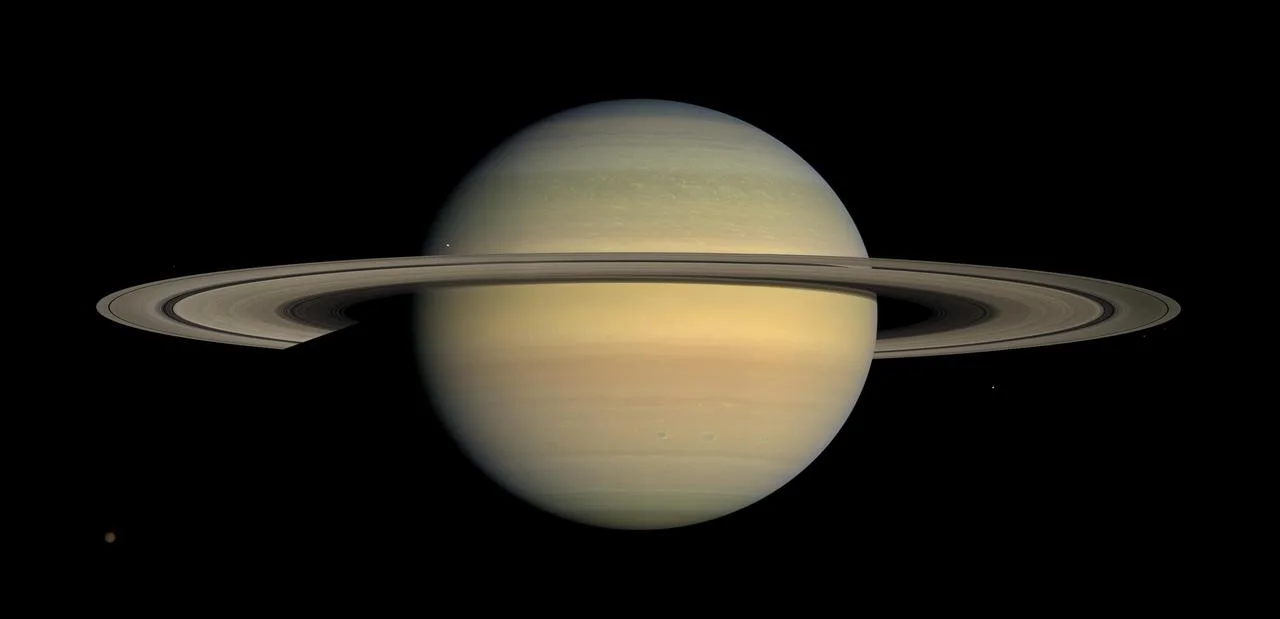
Saturn’s rings dominate its appearance. Including them would answer a different question from measuring the planetary globe. Size It Up Space uses the mean diameter of Saturn itself and excludes the rings, so its game silhouette is a globe.
This convention applies to every ringed planet in Size It Up Space. If you have seen a ring-inclusive Saturn in Mixed, read the label: that is a different measurement. The photograph shows why the distinction matters; it is not the scoring outline.
06 / Bigger is not farther
A solar-system poster often enlarges the planets and compresses the gaps to fit the page. Its spacing cannot tell you how wide a planet is. Size It Up Space brings two bodies together on a comparison board; their separation is not a clue.
Keep three questions separate in Size It Up Space: diameter asks how wide, distance asks how far, and mass asks how much matter. A line across a disk measures diameter. A line between two centres measures a separation.
Body diameterWhite ruler · across one disk
Centre-to-centre distanceRed ruler · between two worlds
07 / 90 bodies, one dimension
The Size It Up Space collection extends beyond the eight planets. Ganymede, Titan and Triton provide larger moon references; Mimas, Enceladus and Miranda bring the scale down. Pluto and Ceres add dwarf planets. TRAPPIST-1 b and its neighbouring planets are separate entries from their host star, TRAPPIST-1; read the full name.
Size It Up Space deals pairs with a usable size reference: the smaller body is at least one fifth of the larger body’s diameter. Not every possible pairing is dealt; a tiny moon beside the Sun would make a poor ruler.
08 / Make your next guess count
Build intuition through comparison, rather than memorising a table. Try these habits during your next Size It Up Space run.
Imagine reference disks in a straight line across the target. Counting how many fit inside its area is a different calculation and leads to a different answer.
A small moon and a giant planet can each fill a picture. In Size It Up Space, use the named reference and its ruler to restore the missing scale.
Some worlds really are similar in diameter. Do not enlarge a target just because its name sounds more impressive. Start near equal, then adjust.
09 / Measurements, photographs, diagrams
Size It Up Space derives solar-system planetary and lunar diameters from JPL’s published mean radii. The Sun uses the IAU nominal solar radius. Other stars and exoplanets use published radius estimates from the NASA Exoplanet Archive. Stellar radii use the nominal solar radius; exoplanets use the nominal terrestrial radius of 6,378.1 km. These selected estimates can change with new research. Displayed numbers are rounded; scoring uses the recorded value.
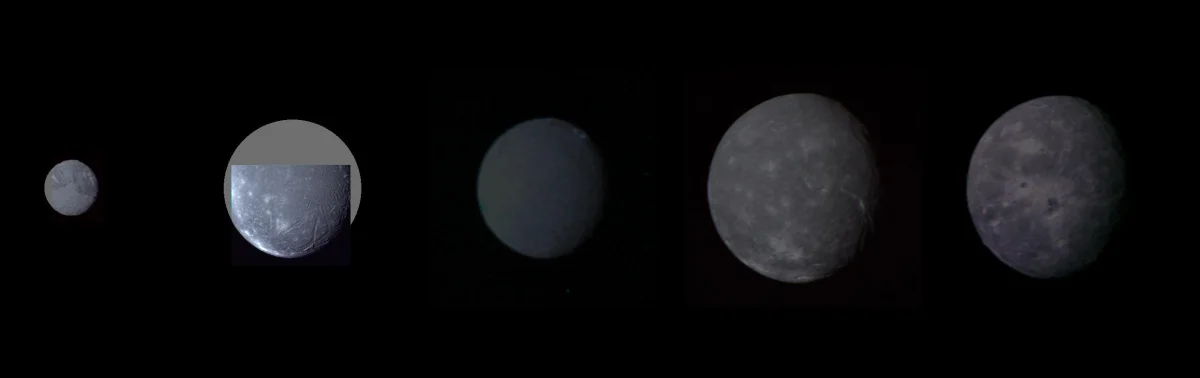
The photographs come from NASA/JPL missions and retain their individual credits. The Voyager montage includes grey areas where imaging coverage is missing. In Size It Up Space, photographs explain the subject; reused Classic disks and calculated diagrams explain scale.
10 / Questions from the observatory
11 / Keep exploring
Finished today’s Size It Up Space? Stay with planets, moons and stars in Unlimited, revisit a past Space puzzle, or compare country outlines in Geography. Each category gives your ruler a different job.